
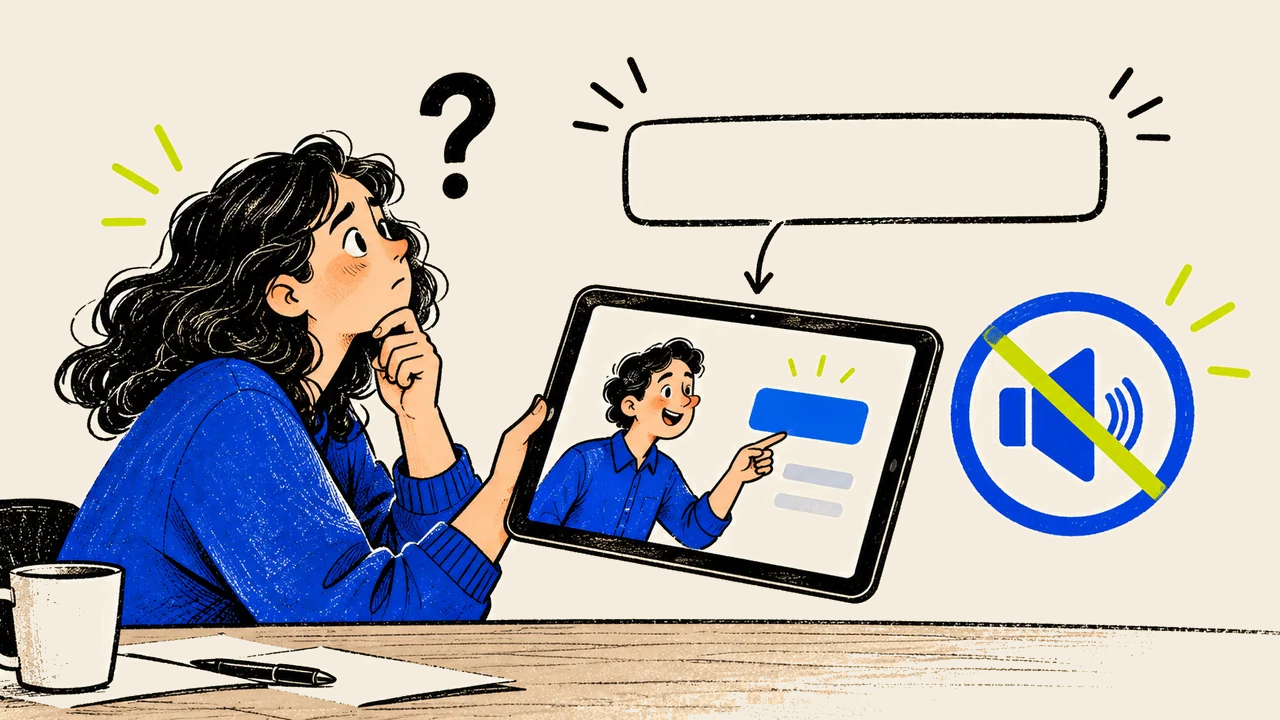
By the twelfth viewing, I know which button the cursor is heading towards. The video barely needs to show it. That familiarity would make me a rather forgiving reviewer of a product demonstration, precisely when the first-time viewer needs me to notice what the edit has left unexplained.
Someone new to the product does not have the rehearsal. They may miss the gesture or be unable to read the interface. Someone who cannot hear the explanation needs the information another way. I would want the video to carry those details, rather than rely on the production team remembering them on the viewer’s behalf.
Review the information that disappears
Try two viewing passes. First, mute the video and follow the task using only what appears on screen. Then listen without looking at the picture. Write down the instructions and qualifications that disappear in each version.
These checks can expose problems; they do not amount to a complete accessibility assessment. W3C's media guidance distinguishes the roles of captions, transcripts and descriptions of important visual information. Different content requires different treatment. W3C's audio and video guidance.
For example, captions can convey spoken instructions to someone who cannot hear them. They cannot, on their own, make an unexplained visual step available to someone who cannot see it. A spoken “click here” remains vague when the location is communicated only by a cursor.
Describe the action that matters
Consider this hypothetical demonstration script:
Open this. Move it here. Then you're done.
The picture may make that sequence obvious to a viewer who can see every detail. A more informative script names the action:
Open Settings, choose Team access, then select Invite member. Enter their email address and choose the role before sending the invitation.
The second version gives the editor more to work with. Accurate captions can carry the instruction without sound. The narration names the controls without depending entirely on the picture. The video should still show the relevant interface clearly and allow time for the viewer to follow it.
Describing every object on screen would create its own distraction. The mug behind the presenter is probably harmless background. The status change that tells me my invitation was sent is doing an entirely different job. If that confirmation exists only as a tiny visual change, the script has left an important part of the task to chance.
A script can identify a problem before the footage exists. If the demonstration needs the viewer to notice a tiny status change, decide how that change will be communicated. The presenter might name the confirmation, and the edit might hold on the relevant area long enough for it to be seen. Planning this is easier than trying to fit an explanation into a finished sequence with no spare time.
Where practical, ask someone unfamiliar with the product to follow the demonstration and explain what they would do next. Their confusion can reveal assumed knowledge that the production team stopped noticing. Involve people with relevant accessibility experience when assessing accessibility needs; an internal viewing exercise cannot represent every audience.
This is why I would give the editor the exact moment that failed: I heard “click here,” but could not tell which control mattered. That is something to revise. “Make it more accessible” may express the right intention while leaving the editor to discover the missing instruction alone.
Automatic captions still need a reader
Check names, product terminology and numbers against the recording. Look for missing negatives: a lost “not” can reverse an instruction. Where relevant, captions should identify speakers and meaningful sounds, rather than transcribe dialogue alone. These are part of W3C's caption guidance.
Before approval, review the video at the size and placement people will actually encounter:
- Can the captions and important interface text be read comfortably?
- Do captions obscure the control or product detail being explained?
- Does the narration explain essential visual actions?
- Is there enough time to understand each step?
- Is a suitable transcript or other accessible alternative available where needed?
I enjoy a well-timed cut. I would still hold the shot if the viewer needs another moment to understand what happened. The edit can move on because everyone in the room already knows the task is finished; the person trying to learn it may still be looking for the button.